Caution: The language settings are ONLY for the room descriptions
Under the settings in the extranet of Hotel-Spider, it is possible to define which languages should be used for the text content and which are considered mandatory. https://extranet.hotel-spider.ch/hotel/#/settings
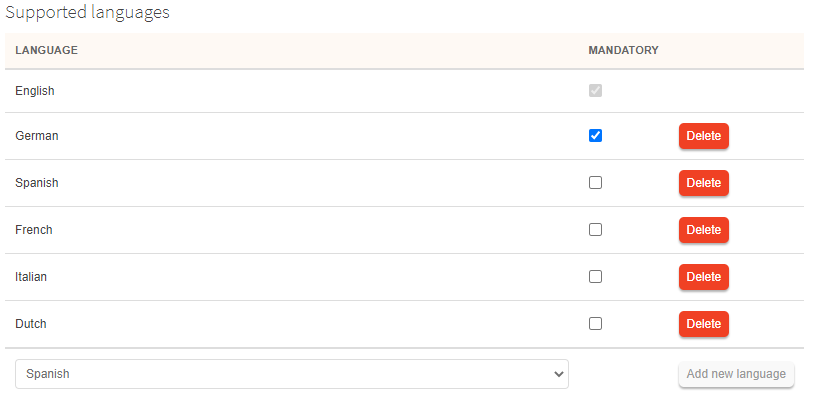
To add an additional language, select it from the list and click 'Add new language'.

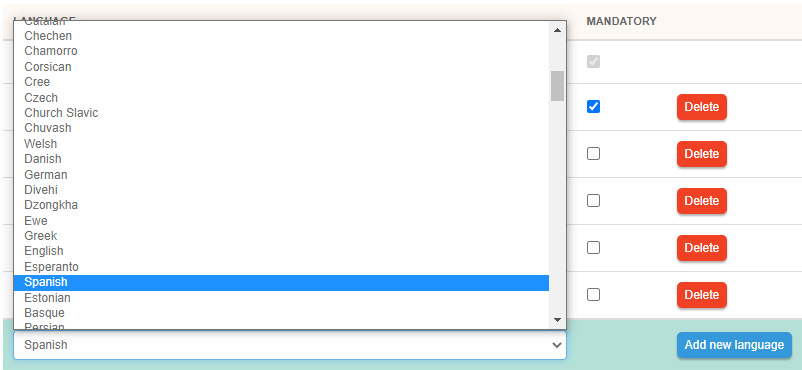
To remove a language click 'Delete' and then 'Save' at the bottom right of the page.


To define a language as mandatory simply check the box and save.
The languages defined here will appear in all text descriptions. Caution: If a language is deleted, all content in this language will also no longer exist.
Comments
0 comments
Please sign in to leave a comment.